18 plugins · one payment · no subscription
WordPress & WooCommerce plugins that just work
Lightweight, beautifully designed plugins for business websites and online stores. Try every plugin live, then download it in seconds.
Browse the plugins Try the live demos
- No jQuery on the front end
- No license key
- Instant download
- GPL · English & French
WooCommerce plugins to sell more
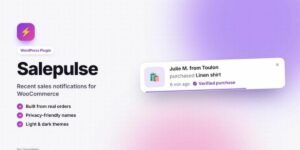
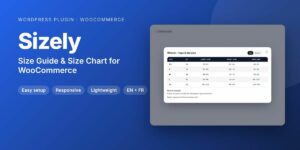
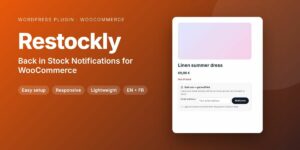
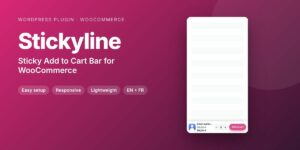
Social proof, urgency, fewer returns and bigger carts, without slowing your store down.

WordPress plugins for business websites
For restaurants, salons, agencies, shops and local businesses.








Save up to 45% with bundles
Several plugins, one payment, free updates.
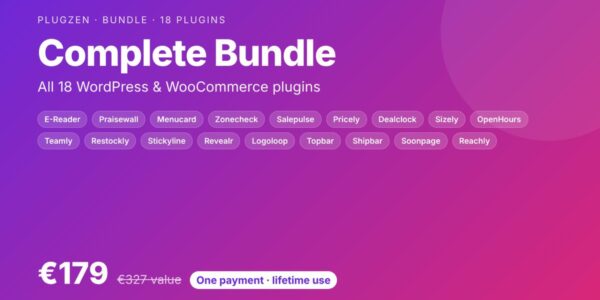 Save 45%
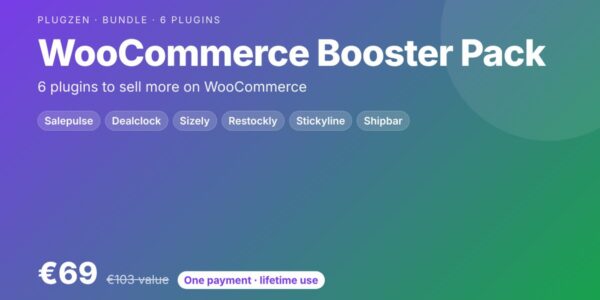 Save 33%
WooCommerce Booster Pack
6 plugins to sell more
 Save 32%
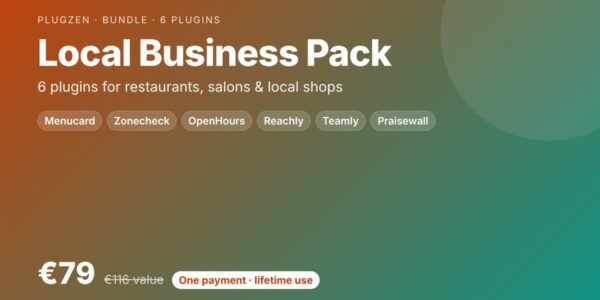
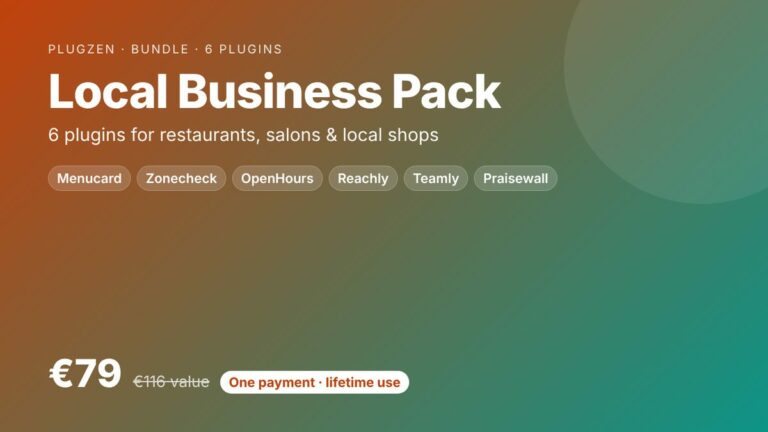
Local Business Pack
6 plugins for local businesses
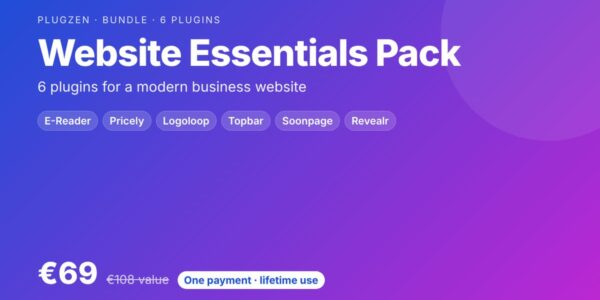 Save 36%
Website Essentials Pack
6 plugins for business sites
Why PlugZen
Fast by design
Files load only where the plugin is used. No jQuery on the front end, no external service, no tracking.
Modern and clean
Every plugin fits your theme out of the box, looks great on phones and follows accessibility best practices.
Try before you buy
Each plugin runs live on this site with real content, so you know exactly what you get.
Pay once
No subscription and no license key. Download the plugin and use it, updates included.
Frequently asked questions
Can I try the plugins before buying?
Yes. Every plugin runs on this site with real content: open the live demos and test every feature, on desktop and on your phone.
Is it a subscription?
No. You pay once, download the plugin and use it. There is no license key and no activation.
How do I receive the plugin?
Right after payment you get a download link by email and in your account. You install the zip from Plugins › Add New › Upload Plugin.
Do the plugins work with my theme?
Yes. They work with any properly coded theme, block themes included, and with page builders through shortcodes. Most plugins also have a Gutenberg block.
Will the plugins slow down my site?
No. They load their files only where they are used, without jQuery on the front end and without any external service.
Do you offer bundles?
Yes. Bundles group several plugins for one payment and save up to 45%.
Guides & tutorials
Practical WordPress and WooCommerce guides to get more from your website.
Essential WordPress Plugins for a Local Business Website
The essential features of a local business website on WordPress: opening hours, contact button, service area, menu or price list, team and…
Read the guide →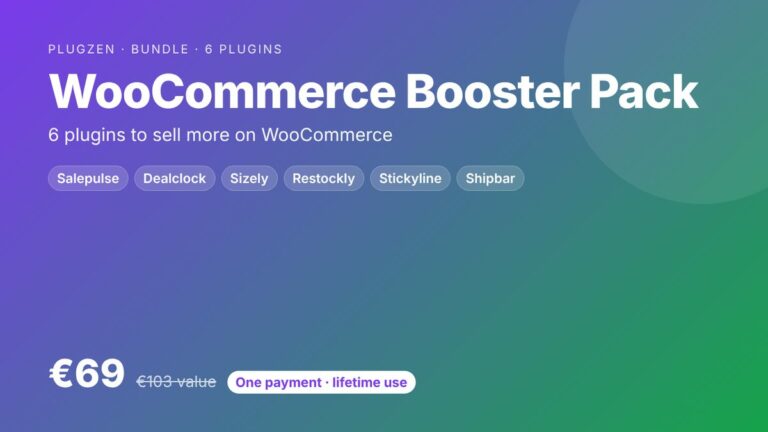
12 WooCommerce Conversion Tips to Sell More Without More Traffic
A practical checklist of 12 WooCommerce conversion tips: product pages, social proof, urgency, mobile, cart and checkout. Sell more with the same…
Read the guide →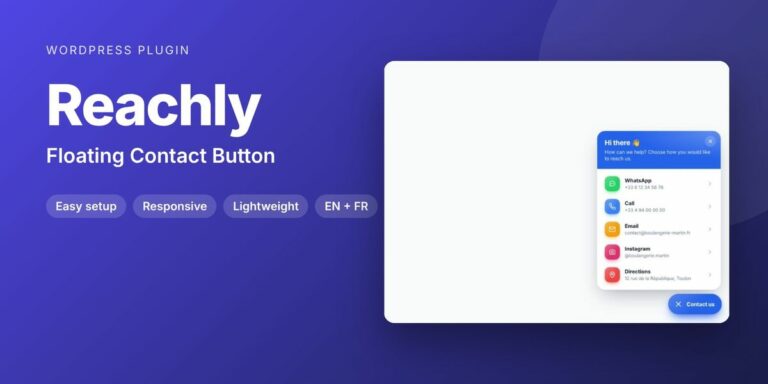
How to Add a WhatsApp Button to WordPress (and Other Contact Options)
Add a floating WhatsApp, call and email button to your WordPress site, with business hours and a greeting bubble. Best practices and…
Read the guide →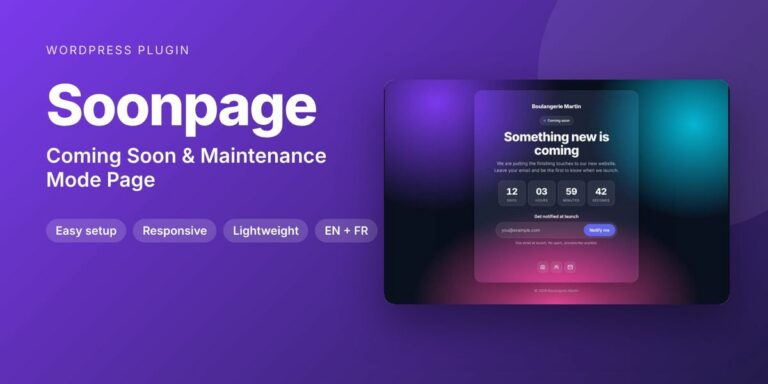
Coming Soon vs Maintenance Mode in WordPress: How to Do It Without Hurting SEO
The difference between a coming soon page and maintenance mode, why the 503 status matters for SEO, and how to set them…
Read the guide →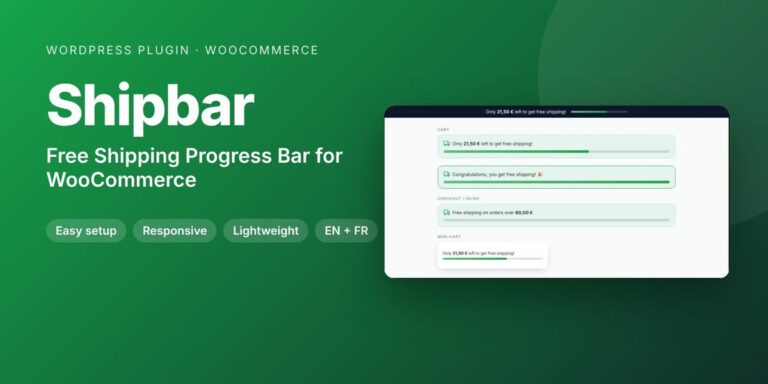
Free Shipping Bar for WooCommerce: Increase Your Average Order Value
Show shoppers how much is left for free shipping with a live progress bar in WooCommerce. How to set the threshold and…
Read the guide →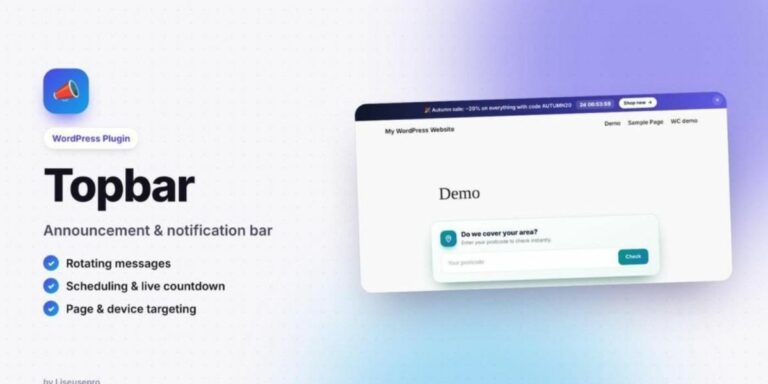
How to Add an Announcement Bar to WordPress (With Countdown)
Add a scheduled announcement bar to your WordPress site with rotating messages, a countdown and a button. Ideas, best practices and setup.
Read the guide →